
UI Layout
Turn the first reference wireframe into a finished in-gam...
Turn the first reference wireframe into a finished in-game battle screen for a fantasy rune-pillar deck-building strategy game. Keep the wireframe's layout, element positions, proportions and all Chinese text exactly...
Prompt details
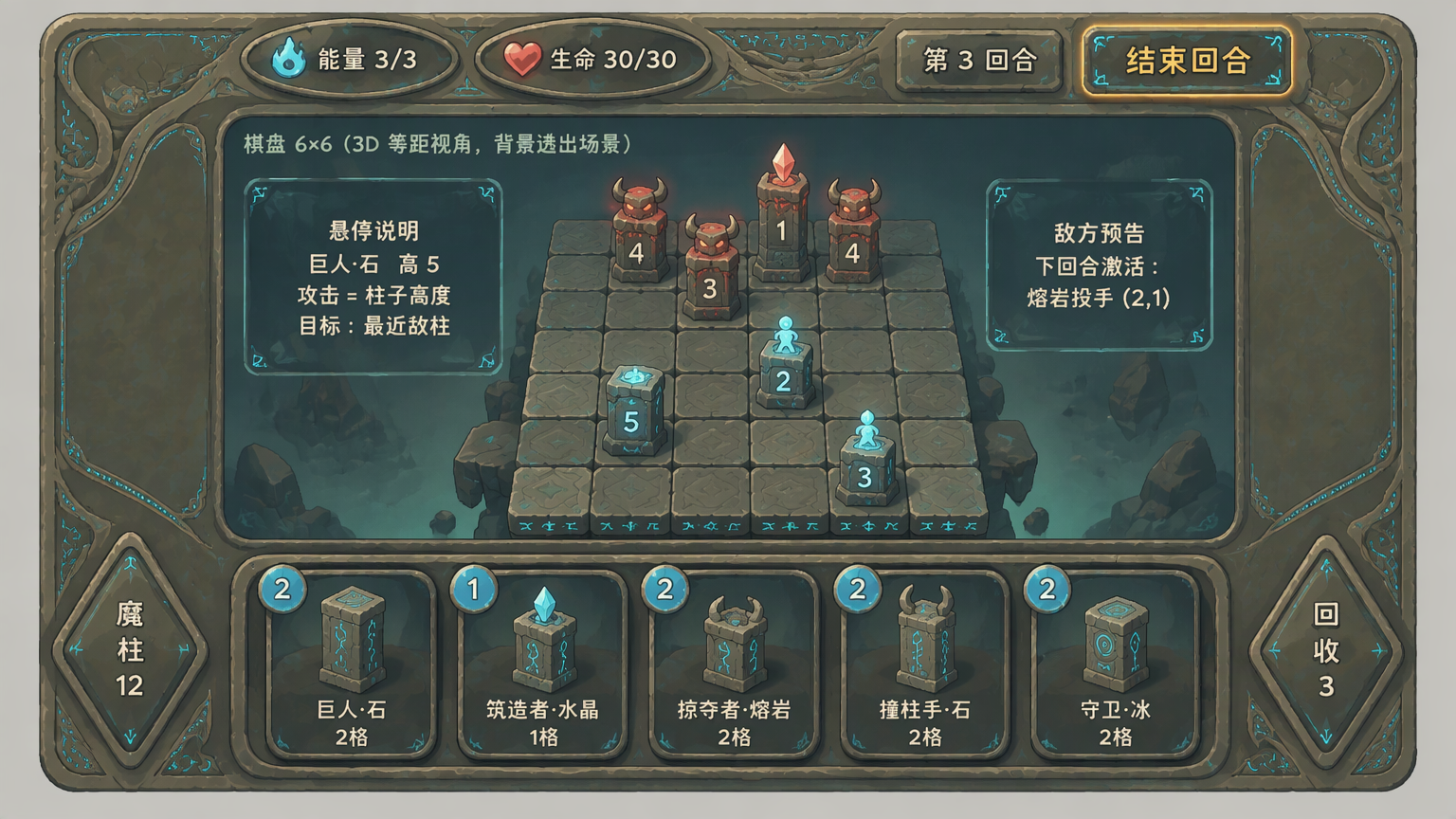
Turn the first reference wireframe into a finished in-game battle screen for a fantasy rune-pillar deck-building strategy game. Keep the wireframe's layout, element positions, proportions and all Chinese text exactly as drawn: energy and life ovals at top, turn counter and end-turn button at top right, the large board window in the middle, the dashed hover-info panel on the left and dashed enemy-preview panel on the right inside the board window (render dashed boxes as translucent floating panels), five pillar cards with round energy-cost badges in the bottom tray, and the two diamond buttons for draw pile and discard with their counts. In the board window, show the 6x6 board from an isometric 3D view: red-marked cells become enemy stone pillars with small horned monsters on top, blue-marked cells become player pillars with small glowing figures on top, heights matching the numbers. Use the art style of the second reference: anime painted dark matte stone with cyan glowing engraved glyph lines, flat simplified colors, not photorealistic.
Generated results